
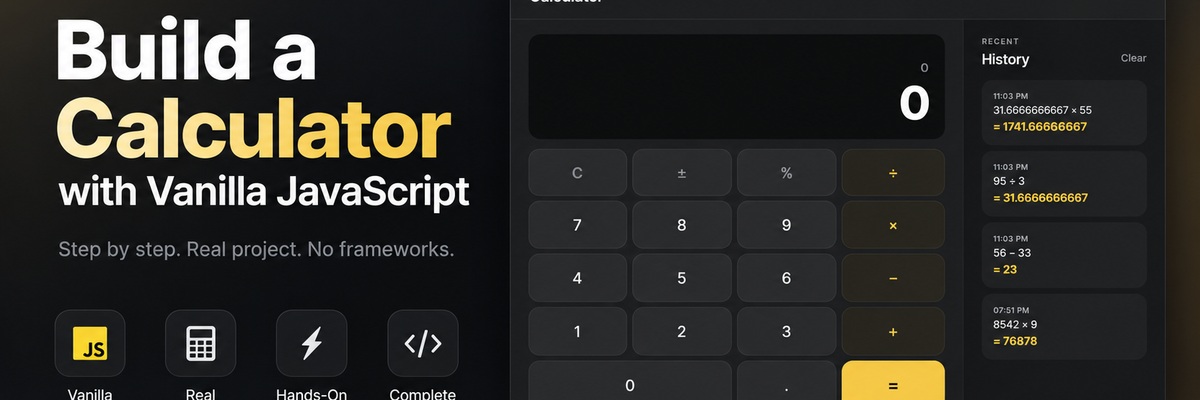
Build a calculator with vanilla JavaScript
Build the logic behind a polished calculator interface using JavaScript state, events, and application logic.
Build a fully functional calculator by implementing the JavaScript logic behind a prepared interface.
Skills you will learn
By completing this course, you will practice:
- Managing application state with JavaScript objects and classes
- Handling calculator input and updating values based on user actions
- Implementing arithmetic operations and a reusable calculation engine
- Working with decimals, percentages, sign changes, and other calculator controls
- Connecting DOM events to application logic
- Handling keyboard input and preventing invalid interactions
- Building and managing calculation history
- Rendering dynamic application data in the interface
- Saving and loading application data with
localStorage - Persisting user preferences such as the selected theme
- Separating calculator logic from UI and DOM responsibilities
- Testing application behavior and handling common edge cases
- Refactoring JavaScript logic into a maintainable application structure
Prerequisites
You should be comfortable with basic JavaScript syntax, variables, functions, objects, and DOM selectors. HTML and CSS are already prepared for you, so the course focuses on application logic.
Why this course?
Instead of spending the course recreating a calculator’s visual design, you will work directly on the logic that makes the interface behave like a real application.
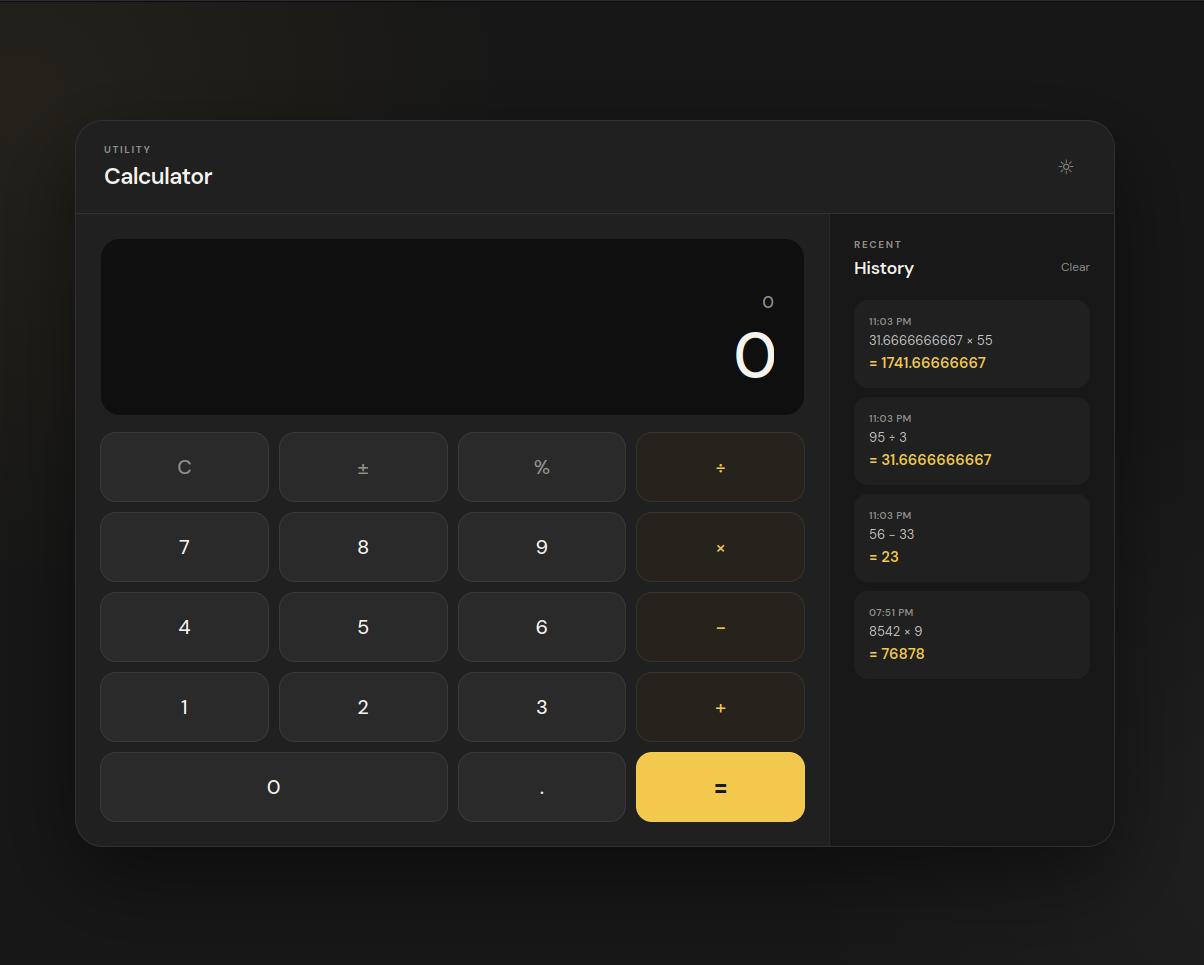
You will progressively turn the starter interface into a calculator that can accept input, perform operations, respond to keyboard events, maintain calculation history, persist data, and support theme preferences.
How the lessons work
Each implementation lesson focuses on one practical change. You will edit a specific JavaScript file or section, test the result in the browser, and finish with a checkpoint before moving on.
Final result
By the end, you will have a responsive calculator application with working arithmetic, controls, keyboard support, history, persistence, and theme behavior.