
Build a Contact Book with Next.js & Postgres
Build a real, multi-page contact book from an empty Next.js starter to a finished app with search, pagination, groups, and CSV import/export — backed by a real Postgres database.
What you’ll build
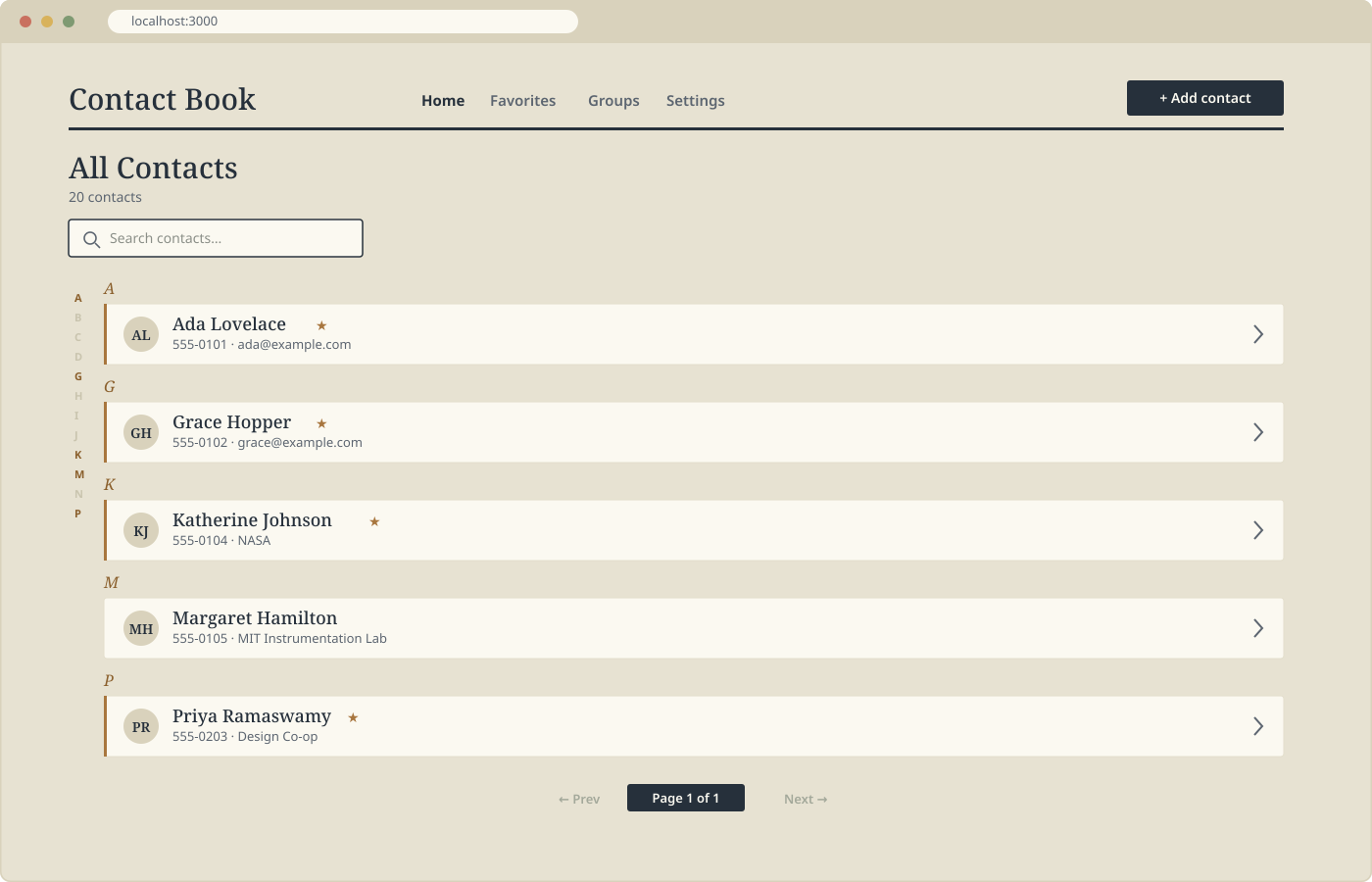
A contact book, from scratch: a searchable, paginated list of contacts grouped
alphabetically; a detail page for each contact; forms to create and edit;
favoriting and deleting; a Groups feature so contacts can belong to more than
one group at once; and a Settings page that can export your entire address
book to CSV and import one back in.
Everything is server-rendered. There’s no client-side data-fetching library,
no REST API layer, and no ORM — just Next.js Server Components reading
straight from Postgres, and Server Actions writing straight back to it. By
the end, you’ll understand exactly when that’s enough, and the one place in
this app where a Client Component is actually necessary.
Prerequisites
- Comfortable with React (components, props, basic hooks)
- Basic SQL:
SELECT,INSERT,UPDATE,DELETE, and a simpleJOIN - Node.js and npm installed locally
- A Postgres database you can connect to — a local install, or a free hosted
instance from a provider like Neon or Supabase both work fine - No prior experience with the Next.js App Router, Server Actions, or
pg
is assumed — we’ll introduce each as we need it
How the lessons are structured
Every implementation lesson follows the same shape: open a specific file,
make one focused change, understand why it works, then test it in the
browser. Lessons end with a checkpoint telling you exactly what should
now work that didn’t before. If something doesn’t match the checkpoint,
you’ll know precisely where to look.
What you’ll finish with
A complete, working Next.js + Postgres application you built yourself,
feature by feature, along with a clear mental model of when to reach for a
Server Component, when a change needs a Server Action, and when — rarely —
you actually need a Client Component.