
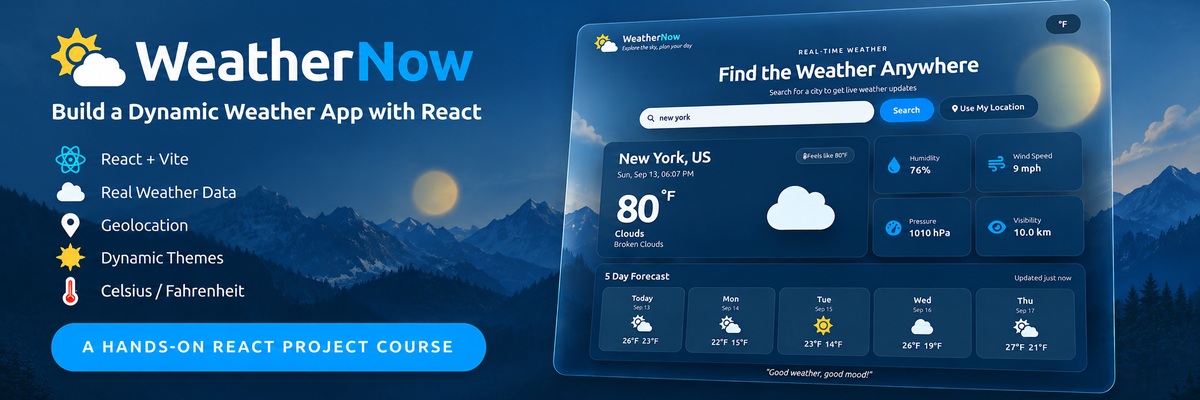
Building a Dynamic Weather App with React
Build a polished WeatherNow app that fetches live weather, supports city search and geolocation, switches units, persists preferences, and changes its visual theme with the weather.
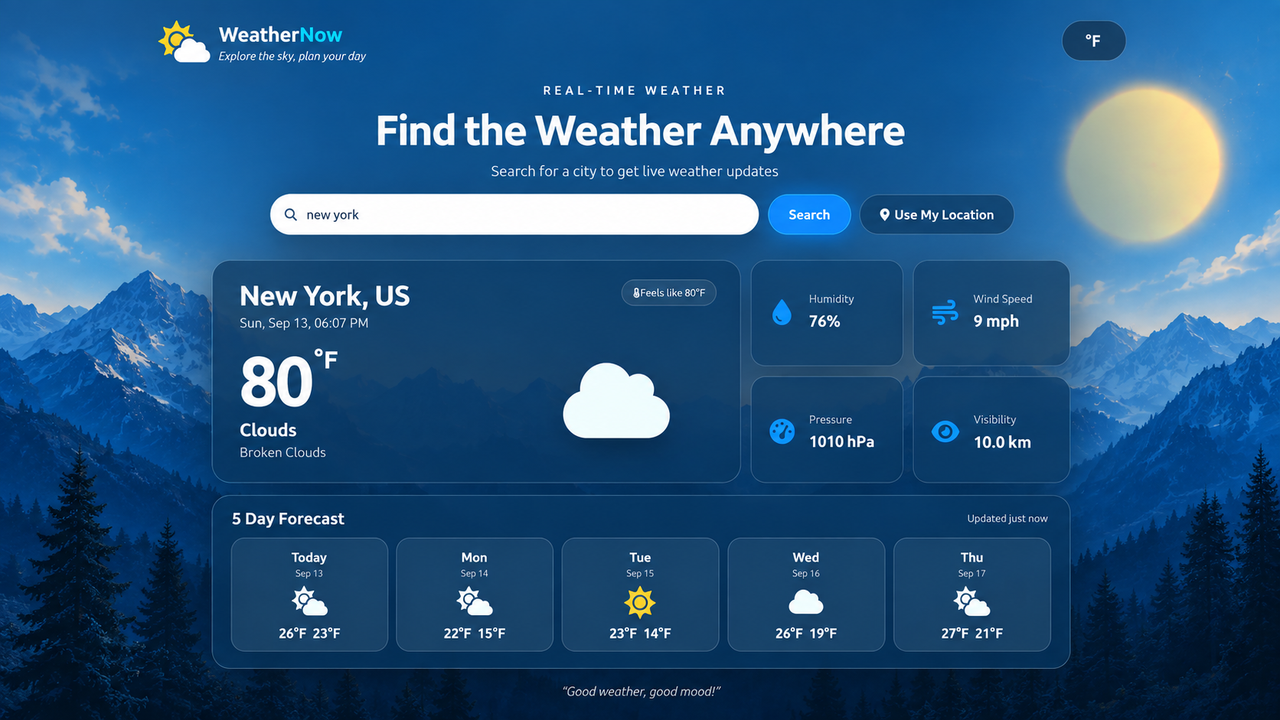
WeatherNow is a polished glassmorphism weather dashboard built around live OpenWeather data. You will progressively connect the components until the app can search for cities, use the browser location, show current conditions and a five-day forecast, switch Celsius/Fahrenheit, remember the selected unit, and react visually to weather and day/night conditions.
Prerequisites
You should already be comfortable working in React projects, including components, JSX, props, state, event handlers, and hooks. This course does not reteach those fundamentals.
You will also need:
- Node.js and npm installed.
- A browser with developer tools.
- An OpenWeather API key.
- A code editor.
Why this project?
The UI is already designed, so your attention stays on application behavior: API requests, data flow, rendering, user interactions, persistence, and weather-driven presentation. Each implementation lesson makes a small, testable change.
Course flow
The project progresses into the complete application:
- Get the project running and understand its existing component structure.
- Connect the app to OpenWeather and establish loading/error handling.
- Render current weather and reusable statistics.
- Build the five-day forecast.
- Add search and browser geolocation.
- Add Celsius/Fahrenheit and persistence.
- Connect weather conditions to themes, icons, and effects.
- Test the finished application end to end.
Final result
By the end, you will have a complete React weather dashboard with a componentized structure, live API data, forecast rendering, location support, unit preferences, persistent settings, and dynamic weather visuals.