
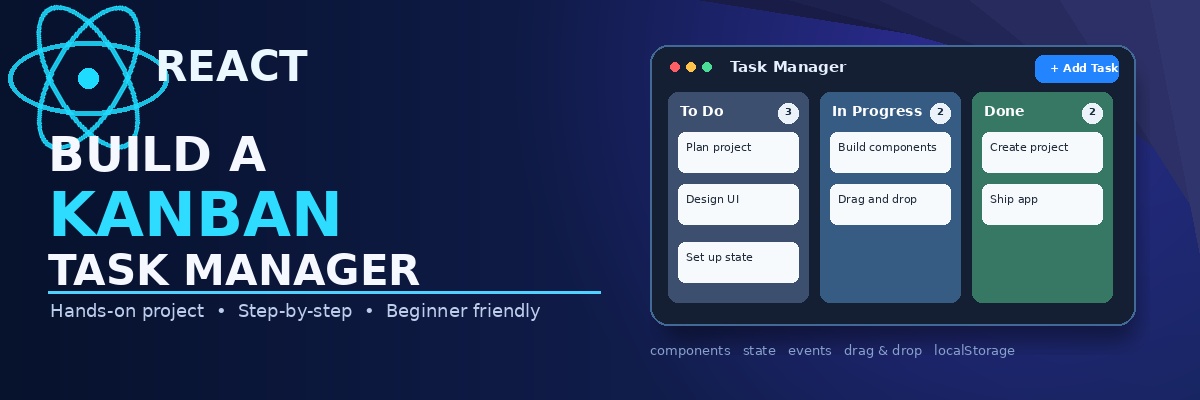
Build a Kanban Task Manager with React
Build a simple Kanban task manager with React by turning a prepared UI into a working application step by step.
Turn a prepared Kanban interface into a working React application.
This course is a hands-on project rather than a React theory course. You will start with a small Vite project that already has the visual interface, reusable components, and sample task data. Your job is to progressively connect those pieces with React state, props, events, drag and drop, and browser storage.
Prerequisites
You should be comfortable with:
- Basic JavaScript syntax
- Functions, arrays, objects, and array methods such as
mapandfilter - Basic HTML and CSS
- Running a Node.js project with npm
- The basic idea of React components and JSX
You do not need experience building a full React application. The project itself will give you practice with the React patterns that matter most here.
What you will build
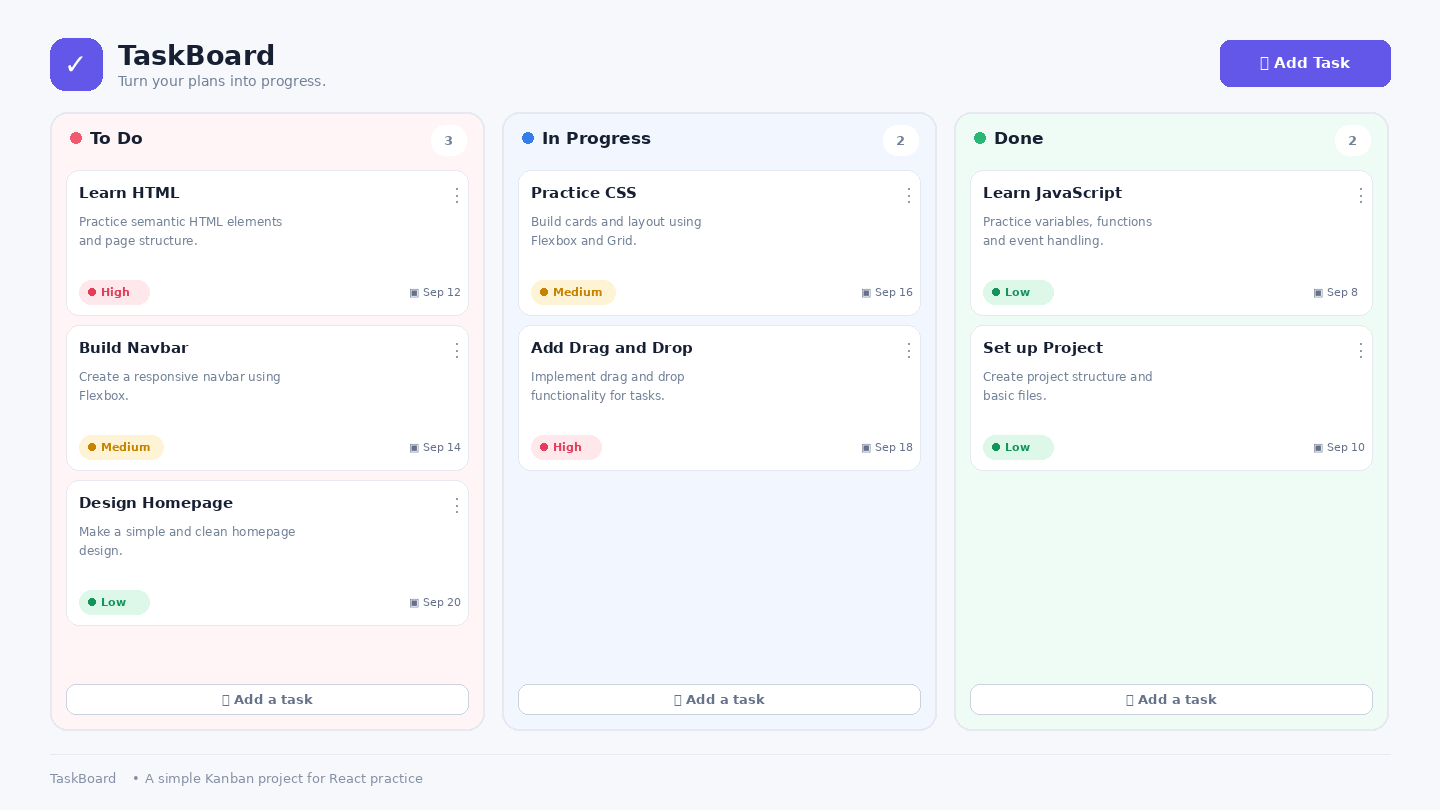
The finished project is a simple three-column Kanban board:
- To Do
- In Progress
- Done
Users will be able to create tasks, see tasks rendered from state, delete tasks, move tasks between columns with drag and drop, and keep their board after refreshing the page.
The visual design is intentionally prepared ahead of time so the course can concentrate on React and application behavior rather than spending lessons recreating CSS.
Why this project
A Kanban board is small enough to understand but rich enough to exercise several important React skills together. You will work with component boundaries, props, state, controlled form fields, event handlers, derived UI, and persistence without needing a backend or authentication system.
How the lessons work
Each lesson focuses on one meaningful change. You will edit a small part of the project, run it, and check the visible result before moving on.
The course avoids dropping a finished application into one large code block. Instead, features are assembled in pieces so you can see how each React decision affects the application.
Starting point
The first module gets the project running and helps you understand the component structure before you change its behavior. After that, the course moves from state and rendering into task actions, drag and drop, persistence, and final testing.
End result
By the end, you will have a complete small React project that you can keep as a practice reference or extend with your own ideas. More importantly, you will have worked through the full path from prepared UI to interactive React application.