
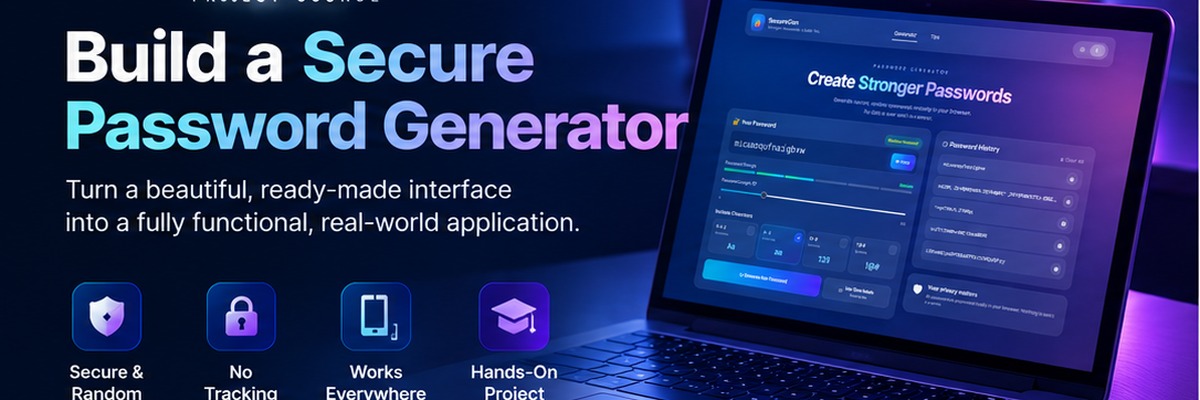
SecureGen Password Generator
Turn a prepared glassmorphism interface into a secure, fully functional password generator through small, testable JavaScript steps.
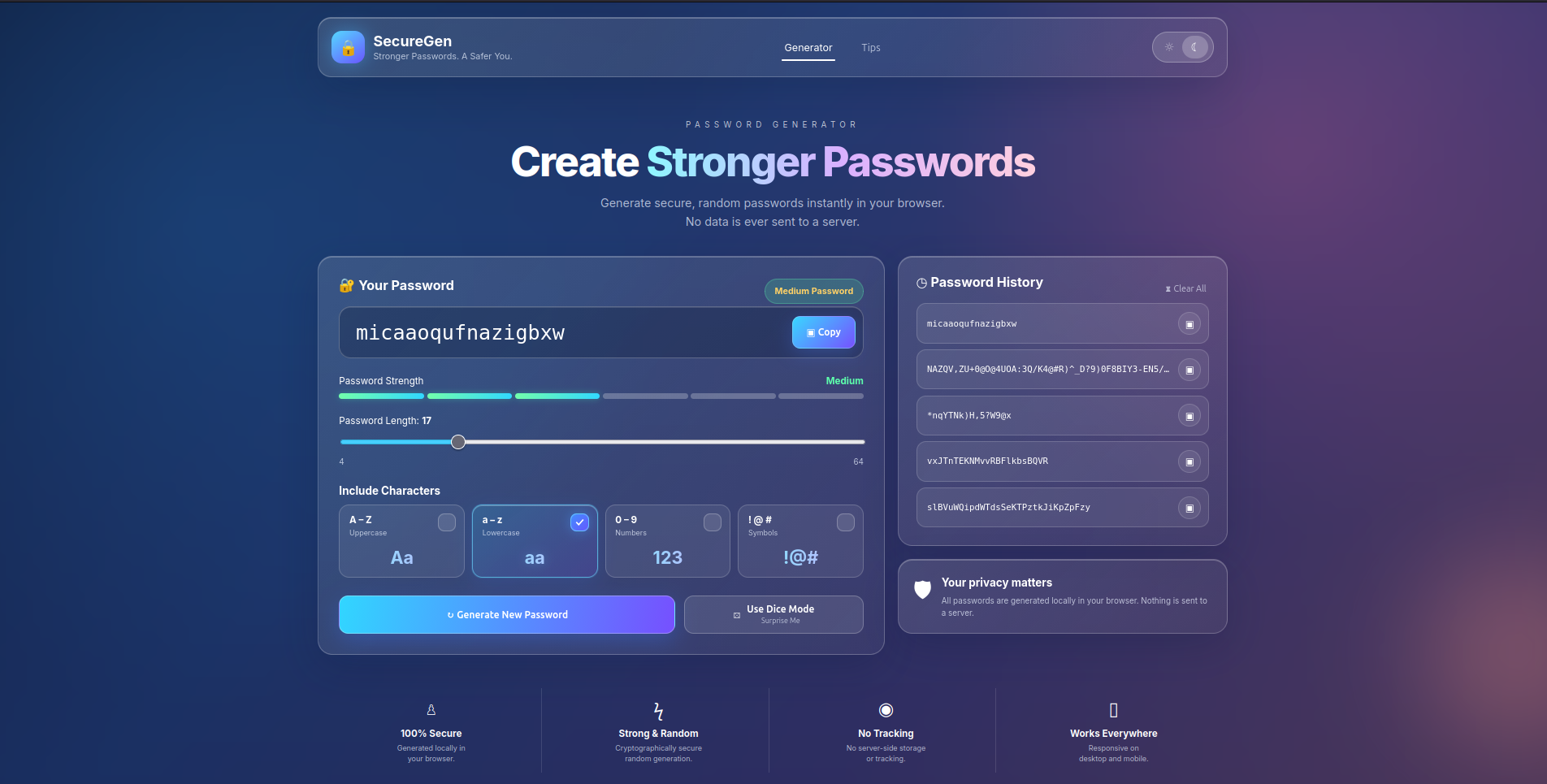
SecureGen starts with something you normally spend too much time building before you can learn the interesting part: the interface. The HTML and glassmorphism CSS are already prepared. Your job is to turn that interface into a real application, one behavior at a time.
Prerequisites
You should already be comfortable with basic JavaScript, DOM selection, arrays, functions, conditionals, event listeners, and browser developer tools. You do not need to build or style the interface during this course.
A guided build, not a code dump
You will not receive a complete generatePassword() function and paste it into the project in one step. Instead, the generator is built in layers: first the random-value helper, then the character pool, then guaranteed character categories, then the remaining characters, then shuffling, and finally the UI events.
The same approach continues through the rest of the project. Strength scoring is separated from rendering. Clipboard support is added before history. Persistence is introduced only after the in-memory behavior works. Each lesson asks you to run the app and verify one meaningful change before continuing.
What you finish with
By the end, SecureGen will generate passwords locally with browser cryptographic randomness, respect the learner’s selected options, report strength, copy values to the clipboard, retain a short local history, remember the selected theme, open a Tips modal, and provide a Dice Mode shortcut. More importantly, you will have built those behaviors incrementally rather than treating the finished JavaScript as a black box.