
Environment Variables
Environment Variables
Applications often need configuration values such as API keys, database URLs, and secret keys.
Environment variables provide a secure and flexible way to manage these settings.
What are Environment Variables?
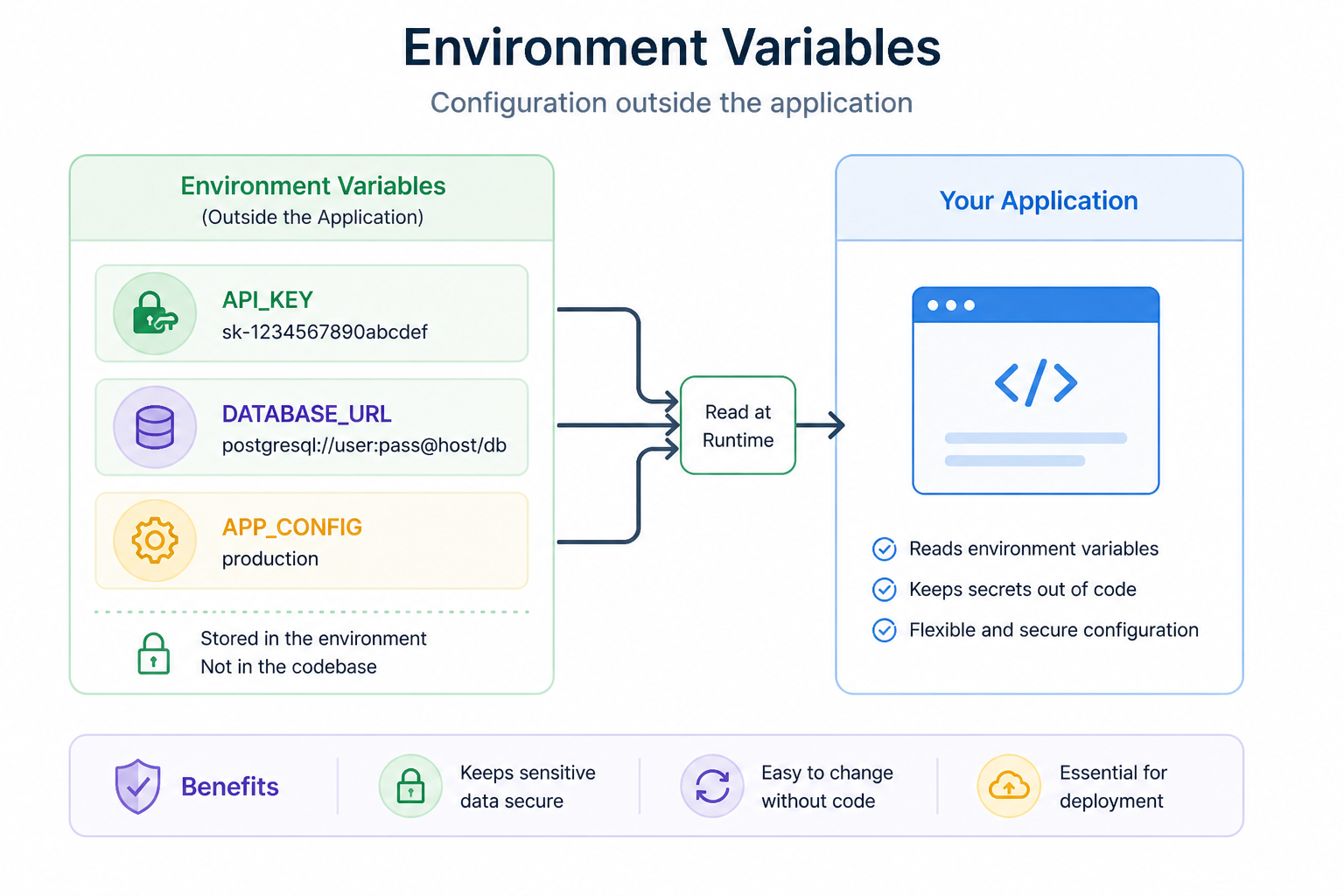
Environment variables are key–value pairs stored outside your code.
They allow you to configure your application without hardcoding sensitive information.
Why Environment Variables Matter
Without environment variables:
- Sensitive data may be exposed in code
- Configuration becomes hard to change
- Applications are less secure
With environment variables:
- Secrets are kept outside the codebase
- Configuration is flexible
- Applications are safer and easier to deploy
Example
Instead of writing this in your code:
You use an environment variable:
How They Work
Environment variables are set in your system and accessed by your application.
- The system stores the variable
- Your application reads it when needed
Setting Environment Variables
On macOS/Linux:
On Windows:
Using .env Files
In development, you can store variables in a .env file:
This file should not be committed to version control.
Best Practices
- Never hardcode secrets in your code
- Use environment variables for configuration
- Keep
.envfiles private - Use different values for development and production
Why This Matters
In real applications:
- Flask uses environment variables for configuration
- FastAPI apps rely on environment-based settings
- Django uses environment variables for secrets and database configs
This is standard practice in professional development.
Summary
- Environment variables store configuration outside your code
- They improve security and flexibility
- They are essential for real-world applications
You’ve now completed your development setup.
In the next module, you’ll start building your first web application.