
Package Management
Package Management
Modern applications rely on external libraries to add functionality.
Package management allows you to install, update, and manage these libraries efficiently.
What is Package Management?
Package management is the process of handling external libraries (packages) in your project.
In Python, this is done using a tool called pip.
What is pip?
pip is the default package manager for Python.
It allows you to:
- Install packages
- Update packages
- Remove packages
Installing Packages
You can install a package using:
This downloads and installs the package into your current environment.
Managing Dependencies
As your project grows, it will depend on multiple packages.
To keep track of them, you use a requirements file.
This saves all installed packages into a file.
To install from the file:
How Package Management Works
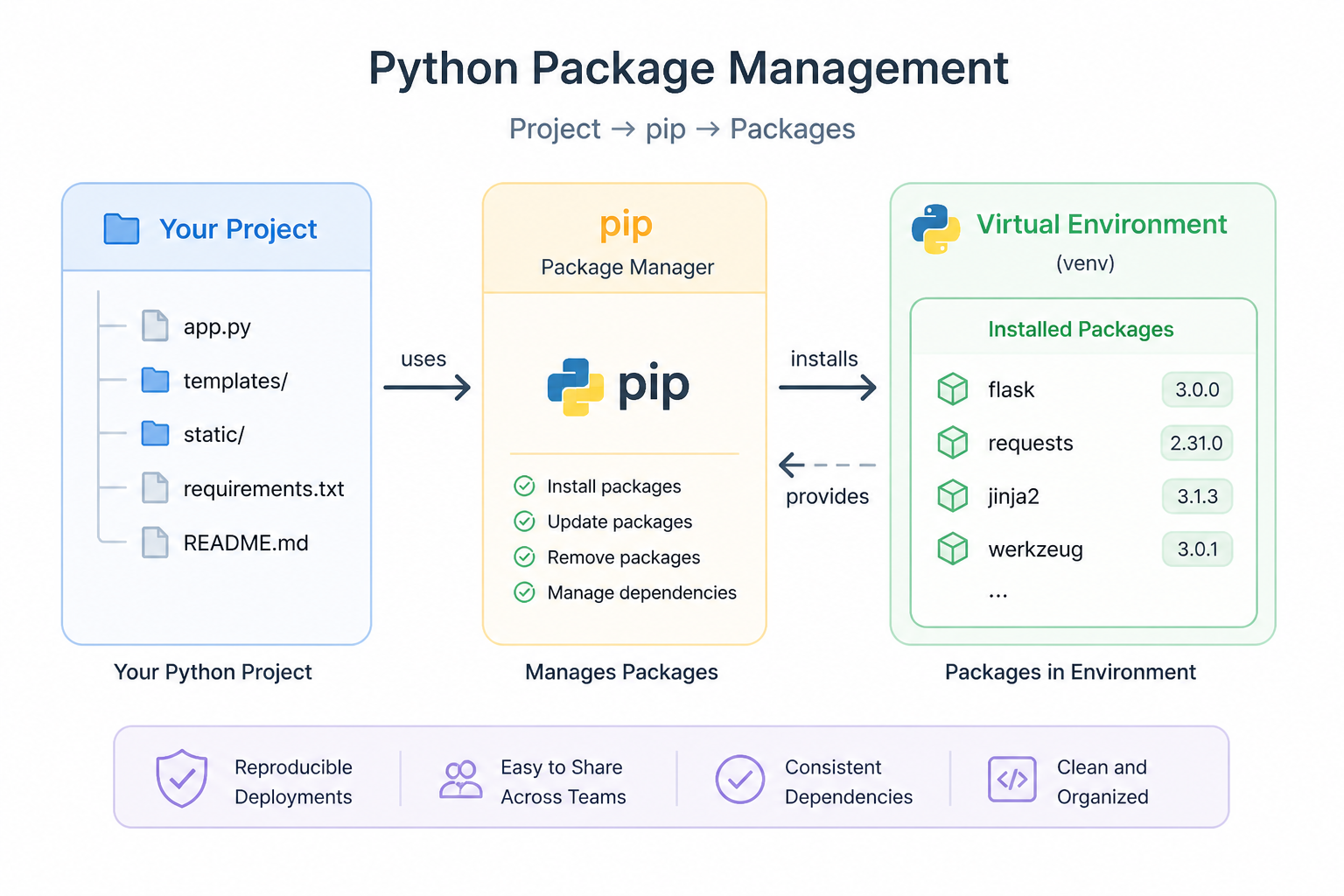
The workflow looks like this:
- You install packages using pip
- Packages are stored in your virtual environment
- Your project depends on these packages
Why This Matters
Proper package management ensures:
- Projects are reproducible
- Dependencies are consistent
- Teams can share code easily
Best Practices
- Always use virtual environments
- Keep a requirements.txt file
- Avoid installing unnecessary packages
Summary
- pip is used to manage Python packages
- Dependencies should be tracked in requirements.txt
- Good package management keeps projects clean and reproducible
In the next lesson, you’ll learn how to structure your projects properly.