
Static Files
Static Files
Web applications are not just HTML—they also use CSS, JavaScript, and images.
Static files allow you to add styling and interactivity to your application.
What are Static Files?
Static files are files that do not change dynamically.
They include:
- CSS files (styling)
- JavaScript files (behavior)
- Images
Static Folder in Flask
Flask uses a special folder called static/.
Example structure:
Flask automatically serves files from this folder.
Using Static Files in Templates
You link static files using url_for:
This ensures Flask correctly finds your files.
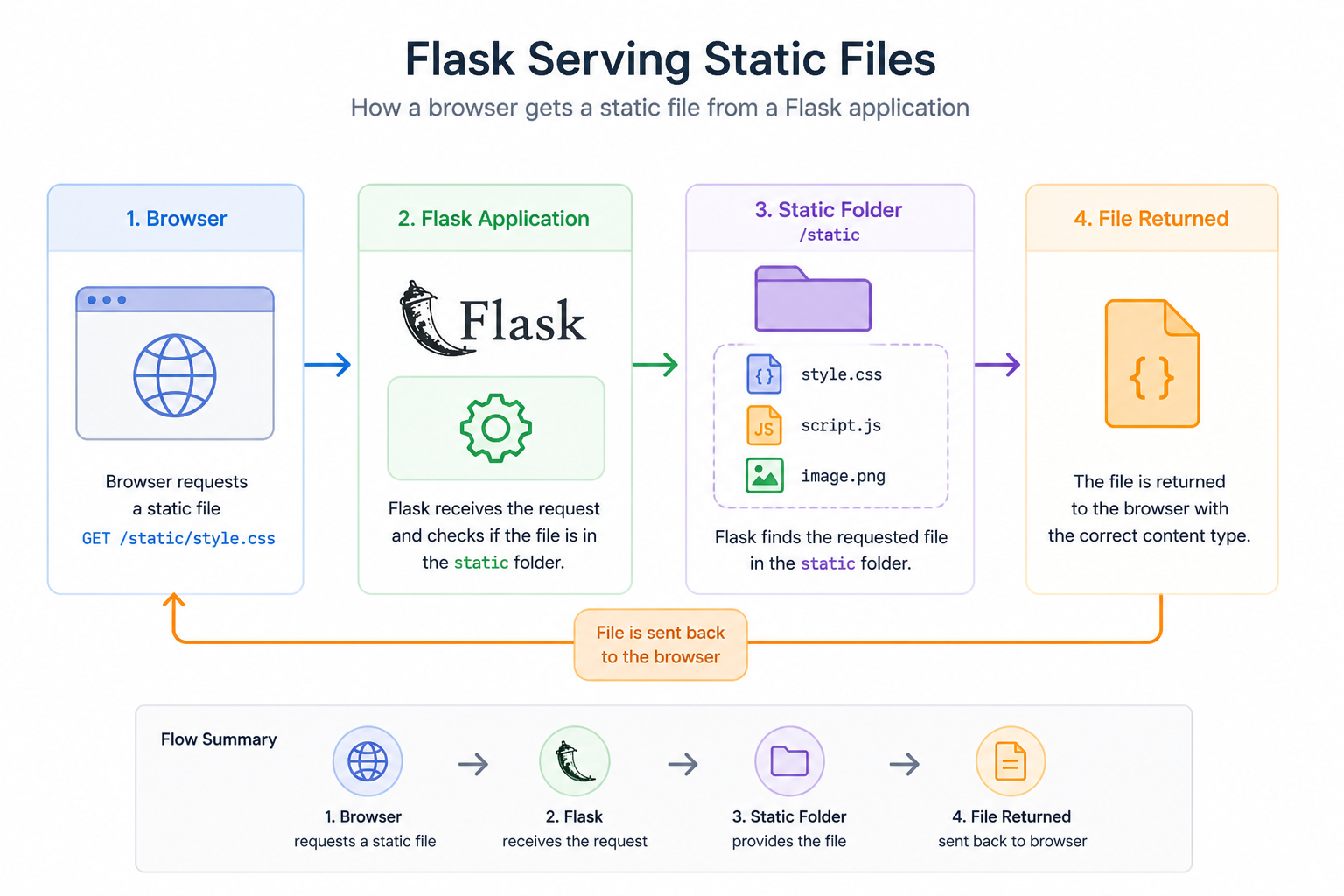
How It Works
- Flask receives a request for a static file
- It looks in the
static/folder - It returns the file to the browser
Why Static Files Matter
Static files allow you to:
- Style your application with CSS
- Add interactivity with JavaScript
- Display images and assets
Without them, your app would be plain and limited.
Best Practices
- Organize files into folders (css/, js/, images/)
- Use meaningful filenames
- Avoid mixing static files with backend code
Challenge
Add styling to your app.
What to do
-
Create a folder called
static/ -
Inside it, create a file
style.css -
Add simple styles:
- Change background color
- Change text color
-
Link the CSS file in your HTML template using
url_for -
Add an image inside the
static/folder -
Display the image in your template
What you should see
- Your page has styling applied
- The image appears correctly
Summary
- Static files include CSS, JavaScript, and images
- Flask serves them from the
static/folder - They are linked using
url_for
In the next lesson, you’ll learn how to handle forms and user input.