
HTTP Status Codes
HTTP Status Codes
When a server responds to a request, it includes a status code to indicate the result.
Status codes help the client understand whether the request was successful or if something went wrong.
What are Status Codes?
Status codes are three-digit numbers returned in an HTTP response.
They are grouped into categories based on their meaning.
1xx Informational
These codes indicate that the request was received and is being processed.
- Rarely used in everyday web development
2xx Success
These codes indicate that the request was successful.
- 200 OK — request succeeded
- 201 Created — new resource created
3xx Redirection
These codes indicate that further action is needed.
- 301 Moved Permanently — resource has a new URL
- 302 Found — temporary redirect
4xx Client Errors
These codes indicate an issue with the request.
- 400 Bad Request — invalid request
- 401 Unauthorized — authentication required
- 403 Forbidden — access denied
- 404 Not Found — resource not found
5xx Server Errors
These codes indicate a problem on the server.
- 500 Internal Server Error — general server failure
- 502 Bad Gateway — invalid response from another server
- 503 Service Unavailable — server is down or overloaded
Why Status Codes Matter
Status codes help both developers and users understand what happened.
- They guide debugging
- They inform the frontend how to react
- They improve API design
How They Fit into the Web
Every HTTP response includes a status code.
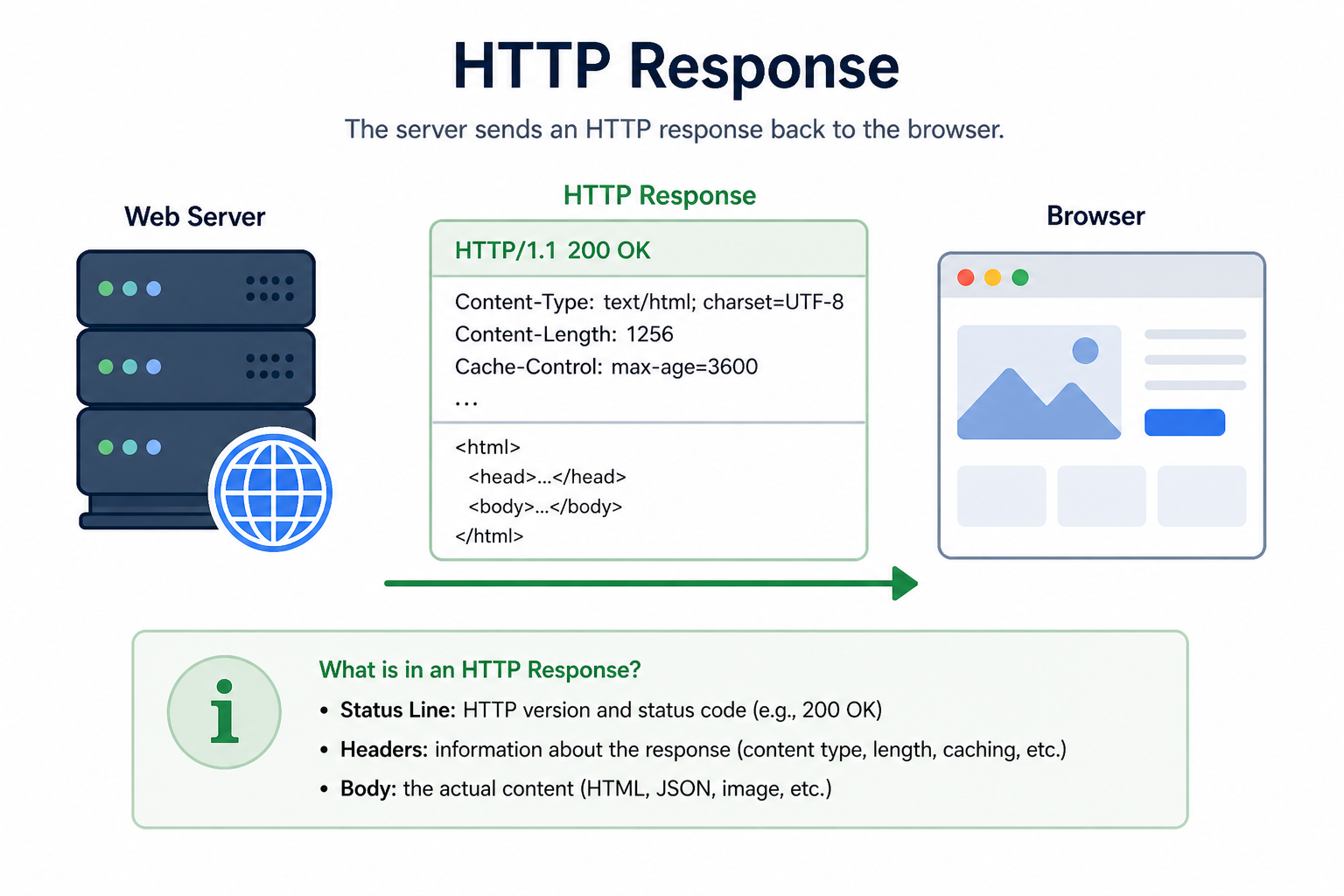
The client uses this code to decide what to do next.
Summary
- Status codes describe the result of a request
- 2xx means success
- 4xx means client error
- 5xx means server error
In the next lesson, you’ll learn about APIs and how applications communicate with each other.